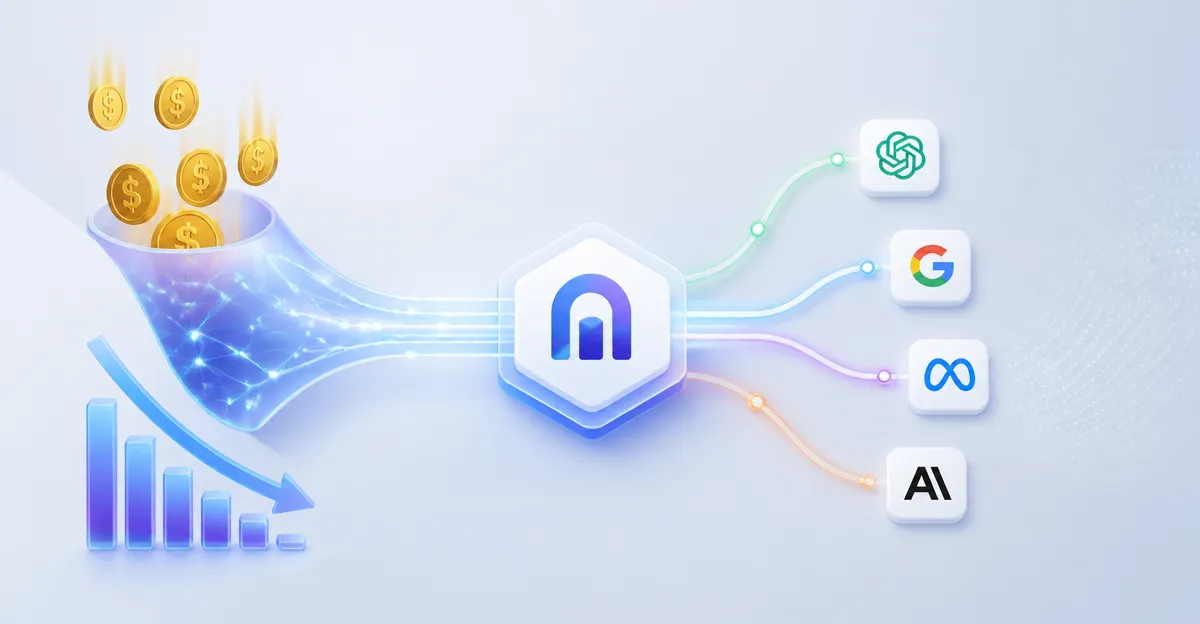
September 30, 2026, (Inside AI) — Cloudflare has expanded its AI Gateway User Insights platform with a new capability that identifies when organizations are using AI models that are more powerful, and more expensive, than their tasks require. The update, announced this week, introduces a model overkill view, task analysis, turns analysis, and a Potential Savings dashboard, all available free to AI Gateway users. A companion Auto Router tool entered public beta alongside the release.
The move addresses a growing problem in enterprise AI adoption. As organizations route more traffic through centralized gateways, they accumulate detailed logs of model usage, token counts, and request volumes. Yet those metrics reveal little about the nature of the work being performed. A single API call for a code review and a multi-turn research session can consume identical token counts while representing vastly different business value.
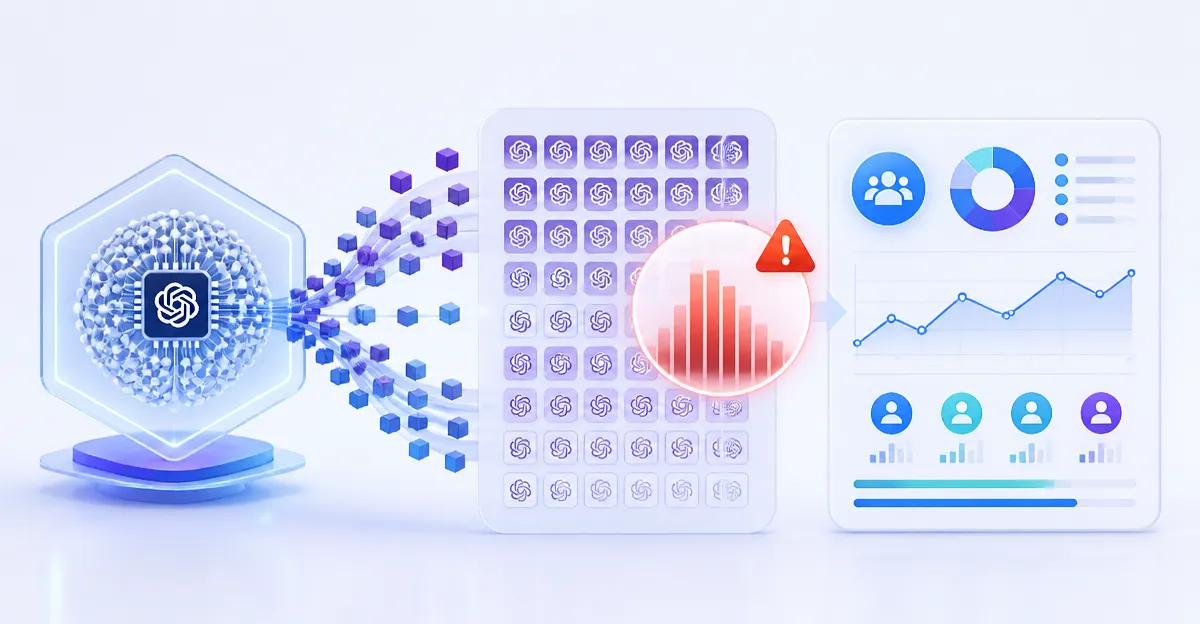
Cloudflare's answer is context. The new User Insights dashboard groups conversations by task category, including coding, research, writing, summarization, and data analysis. It then flags conversations where the selected model appears more capable than the task demands. For example, a team might discover that simple formatting requests are being sent to a high-capability reasoning model, driving unnecessary costs.
Why Token Counts Tell an Incomplete Story
The classification engine behind these insights is a dedicated Cloudflare Worker that processes eligible AI Gateway logs asynchronously. It examines conversation trajectories, including user requests, assistant responses, tool calls, and tool results, to identify the type of work being performed. The Worker also returns a confidence score and evaluates dimensions such as task complexity, intent ambiguity, stakes, and context dependence.
Read: Context Engineering Overtakes Prompting As AI Leaders' Key Skill
This architecture keeps classification out of the request path, adding no latency to user responses. The tradeoff is that User Insights is not a real-time view. Newly received conversations may take approximately one day to appear in the dashboard as logs are processed and aggregated. Teams should use the tool to identify usage patterns over time rather than monitor live activity.
The overkill view does not function as a leaderboard or automatically recommend replacement models. Instead, it surfaces questions for teams to investigate. Is the extra capability improving results? Would a faster or less expensive model produce equivalent outcomes? Is the pattern limited to one workflow, user, or agent?
These questions matter because model selection often defaults to whatever was configured first. A team might find that a model is being used because it is the default setting, because users are unsure which model to choose, or because an agent has been configured to use the same model for every step regardless of task complexity.
The Potential Savings view builds on this by identifying requests that may be handled by a faster or less expensive model without compromising output quality. The Auto Router, now in public beta, applies these task and model-fit signals automatically. Instead of creating separate routing rules for every workload, customers can let the router select among available models based on conversation trajectory, task category, task complexity, and cost considerations.
The router does not simply send every request to the least expensive model. Complex coding or research work may still require a more capable model, while simpler tasks may be handled by a faster or less expensive option.
Identity and Privacy Shape the Architecture
Task categories become more useful when viewed by user, team, or application. AI Gateway is identity-aware, providing that context without requiring teams to build a separate reporting pipeline. This works for applications teams build themselves and for developer tools and agent harnesses such as Claude Code, Codex, and OpenCode.
By placing AI Gateway behind Cloudflare Access, teams can connect authenticated users and sessions to their AI traffic. For custom applications, requests must include both a stable user_id and a session_id for User Insights analysis. The system requires stable, non-sensitive identifiers so usage can be grouped without putting identity data in the prompt itself.
Read: HBR Research Reveals AI Intensifies Work and Erodes Judgment
Cloudflare Access is available at no cost for teams with up to 50 users, making it accessible for smaller organizations to get started.
The pipeline follows existing AI Gateway log architecture. Metadata is stored separately from log bodies, with Durable Objects handling metadata and R2 storing log bodies. User Insights exposes derived categories and aggregate views rather than turning the dashboard into a raw prompt browser. Retention of underlying log bodies continues to follow configured AI Gateway logging behavior, so teams should review those settings when deciding what to send through the classifier.
Turns analysis adds another dimension by showing how much back-and-forth different tasks require. A long conversation is not necessarily problematic, especially for complex work. But if a simple task consistently takes several turns, it may indicate issues with the prompt, the model, or the workflow. The first request is only part of the cost. Teams should also examine the time, tokens, and money spent before the task is finished.
Cloudflare's approach reflects a broader shift in enterprise AI management. As organizations move from experimentation to production deployment, the focus is shifting from raw capability to cost efficiency and appropriate resource allocation. The challenge is not simply accessing powerful models but knowing when to use them.
The company has published documentation for AI Gateway User Insights and invites teams to open the dashboard and use the insights to make more targeted model and routing decisions. The Auto Router remains in closed beta, with sign-up available through the company's blog.