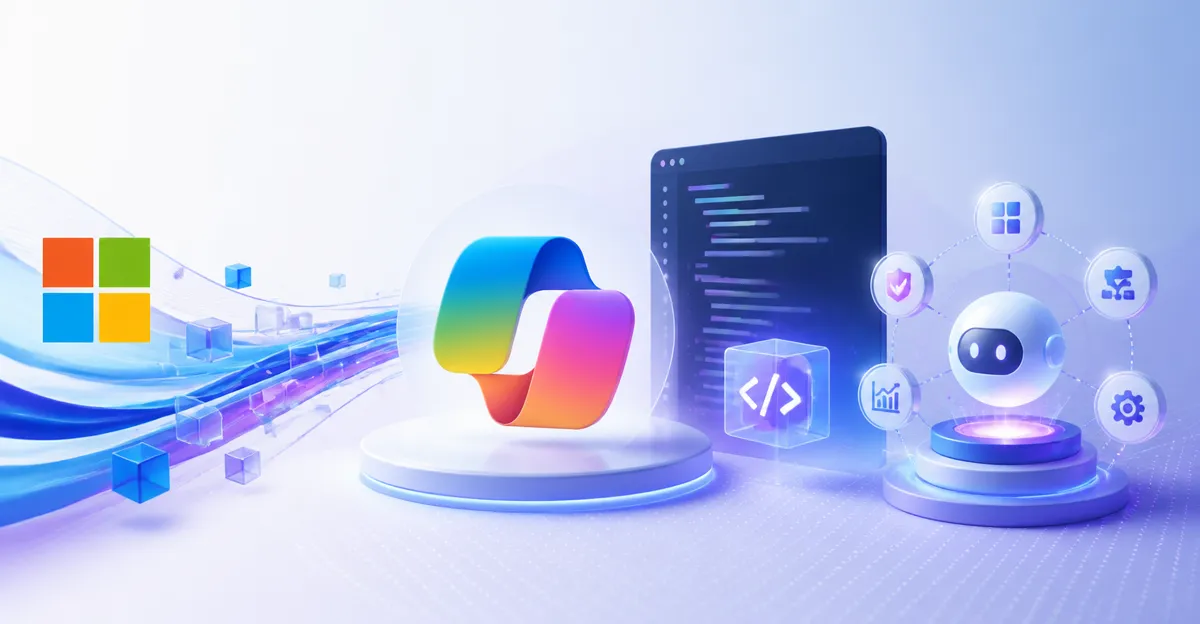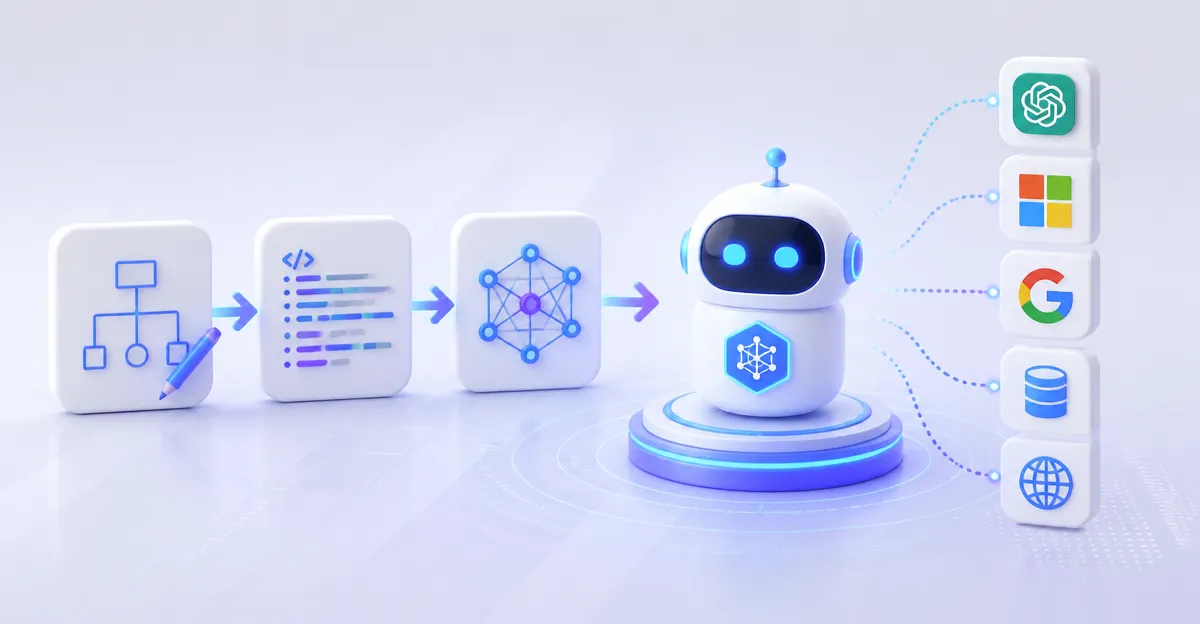
August 10, 2026, (Inside AI) — A new guide from Microsoft demystifies the process of building AI agents, showing that anyone—not just developers—can create autonomous digital helpers using plain language and existing tools within Microsoft 365 Copilot. The step-by-step walkthrough, authored by Samantha Kubota, covers everything from problem definition to deployment, emphasizing a no-code approach that brings agentic capabilities to everyday office tasks.
The guide arrives as enterprise interest in AI agents surges, with 82% of organizations expected to deploy some form of agentic AI by 2027, according to Gartner. Yet many workers still see agent creation as a complex engineering feat. Microsoft’s tutorial directly challenges that assumption by framing agents as “apps for an AI-powered world” that can be built conversationally.
Kubota opens with a vivid scenario: an agent detecting a phishing click at 2:13 a.m., disabling the compromised account, checking for malware spread, opening a ticket, alerting the security team, and drafting an incident summary—all while IT sleeps. “This is the beauty of AI agents,” she writes. “They can help workers in all kinds of roles do a range of things, like track project deadlines, monitor shared inboxes, create nightly reports and more.”
From Chat to Action: The Agent Difference
The guide draws a sharp line between AI chat apps and agents. Chat apps answer questions; agents take action. That distinction is critical for enterprises weighing where to invest, as agents can directly manipulate systems, update records, and trigger workflows without human hand-holding.
Read: How Tool Calling Transforms AI Agents from Text Generators to Action Takers
To get started, users simply open Microsoft 365 Copilot Chat, click “Agents,” then “New Agent.” The system then prompts them to describe the desired behavior in natural language, generating a draft agent that can be tested and refined immediately. No coding is required, though more advanced builds can be moved into developer tools for deeper customization.
Kubota stresses starting with the problem, not the technology. “Begin with the job, not the technology,” she advises. “What problem are you trying to solve? Talk with colleagues to clarify the need and narrow the scope.” She gives the example of a team spending hours manually compiling a weekly status report from emails, messages, and documents—a repetitive task ripe for automation.
Behind the Scenes: Knowledge, Boundaries, and Iteration
The tutorial emphasizes two often-overlooked steps: connecting agents to curated knowledge sources and defining strict output formats. Agents can be pointed at emails, documents, SharePoint sites, or websites, with clear rules about whether to infer missing details or flag ambiguities. In the weekly report example, the team instructs the agent to “review Teams messages and emails from the past seven days” and “focus only on messages related to a specific project,” then produce a structured report in a professional tone.
Testing and iteration are central. Users can hop back into settings to adjust instructions, shorten outputs, or add bulleted lists. The goal, Kubota notes, “isn’t perfection right away—it’s building something useful for your work and continuing to refine it over time.”
This low-friction approach mirrors a broader industry shift toward “citizen development” in AI, where line-of-business workers create their own automations. Microsoft’s move puts it in direct competition with platforms like Zapier and UiPath, which have also introduced natural-language agent builders. However, Microsoft’s integration with the Office graph and existing enterprise data gives it a unique distribution advantage.
Notably, the guide also directs users to explore prebuilt agents in a store, acknowledging that many needs may already be met by off-the-shelf solutions. This pragmatic stance helps avoid reinventing the wheel and accelerates time-to-value.
Read: 5 Assets to Prepare Before AI Agents Handle Recurring Work
Kubota’s piece, published on Microsoft’s official blog, is part of a larger push to make AI agents a mainstream productivity layer. The article includes images made using MAI Playground and Microsoft 365 Copilot, underscoring the company’s own use of its tools for content creation.
While the guide is tailored to Microsoft’s ecosystem, the underlying principles—define the problem, start with existing resources, add knowledge, and iterate—apply across any agent-building platform. As agentic AI moves from hype to practical deployment, such accessible frameworks will likely determine whether the technology delivers on its promise or remains trapped in pilot purgatory.