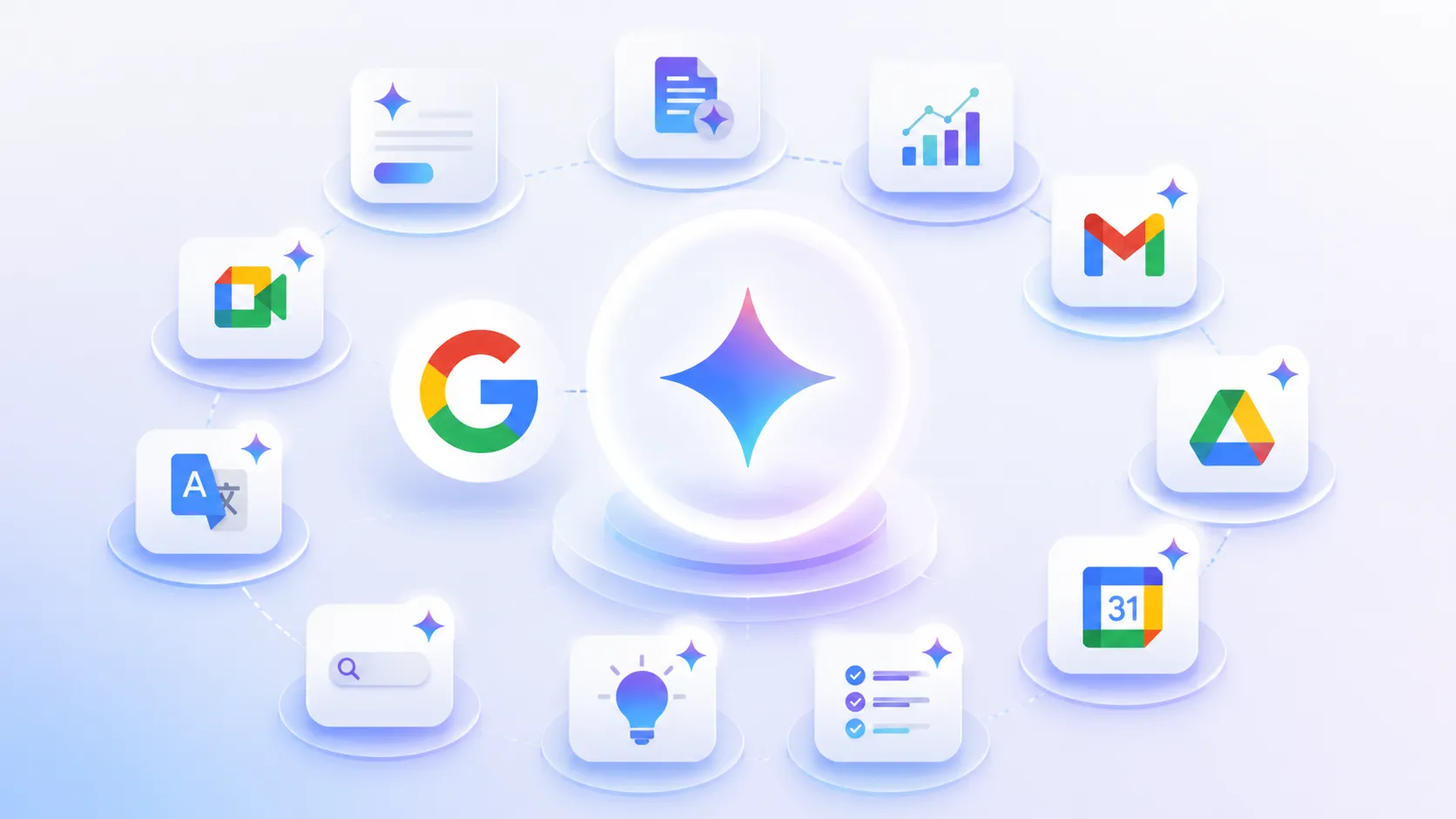
June 27, 2026, (Inside AI) — Google released a detailed productivity playbook this week, outlining 11 specific ways its Gemini AI can reshape daily work inside Google Workspace. The guidance targets enterprises seeking measurable efficiency gains, not speculative AI promises.
The company frames Gemini as a layer that automates repetitive cognitive tasks—drafting, summarizing, scheduling—while keeping humans in strategic roles. The advice arrives as corporate AI adoption faces a rigor test: vendors must prove tools deliver ROI beyond demo-day excitement.
Google’s central thesis is that prompt engineering determines success. The company instructs users to structure every query with four components: a defined persona for Gemini, a clear task description, relevant context or attached files, and an explicit output format such as bullet points or tables.
For workers who freeze at a blank prompt box, Google suggests a meta-fix: ask Gemini to improve the prompt itself. The recommended command is “Make this a better prompt” followed by the original request. Attaching files from Google Drive or invoking Gemini inside Gmail, Docs, or Sheets gives the model richer context, Google says, yielding sharper replies.
Beyond prompting, the 11 tactics span the Workspace suite. NotebookLM lets teams upload reports, research papers, or manuals and then query Gemini for summaries, thematic analysis, or answers—cutting hours of manual review. In Google Docs, Gemini generates project proposals and briefs from scratch, optionally referencing existing Drive files to ground drafts in internal knowledge.
Spreadsheet work gets a similar jolt. Gemini in Google Sheets builds structured project trackers from natural-language prompts, populating timelines, stakeholder lists, and risk assessments, and even producing charts. Google claims this slashes formatting drudgery so teams concentrate on execution.
Visual tasks are not ignored. Instead of hunting stock photos, users can prompt Gemini to create original images for Google Slides, customized to the presentation’s topic. A “Beautify This Slide” feature polishes layouts automatically while preserving content, trimming manual editing time.
Meeting culture gets an overhaul. In Gmail, Gemini suggests available time slots during email drafting, sidestepping app-switching to schedule meetings. During Google Meet calls, the AI takes notes, identifies action items, and summarizes decisions. Latecomers can privately request a recap of missed discussion without interrupting the flow. Post-meeting, Gemini can draft follow-up emails.
Email composition itself becomes faster: Gemini in Gmail drafts messages, refines wording, and proposes alternative tones for sensitive communications. Google says this helps employees communicate more clearly with colleagues, customers, and partners.
A bonus tactic introduces Gems—custom AI assistants built for repeatable workflows. Teams can create specialized Gems for functions like email drafting or social media content, train them on company-specific materials, and share them organization-wide to enforce consistency.
These recommendations land amid a broader industry push to prove AI’s workplace value. Analysts note that while generative AI demos dazzle, sustained productivity gains require workflow redesign and employee retraining—a nuance Google’s guide implicitly acknowledges by emphasizing prompt structure and context attachment over raw model capability.
Missing from the announcement are hard metrics—no time-saved percentages or error-reduction figures—leaving procurement teams to pilot the features themselves. Competing suites from Microsoft and others offer similar AI integrations, often with comparable meeting-summary and drafting tools, intensifying the need for differentiation.
Google’s playbook ultimately frames Gemini not as a replacement for human judgment but as a force multiplier for routine cognitive work. Whether enterprises adopt these 11 patterns at scale will depend on measurable outcomes, not just well-structured prompts.